All industriesRobotics

Robotics / visual perception

Robotics

Robots need to see the workspace before they can act within it. AI2SEE can shape the visual perception around the task: what the robot must find, what context matters and what a useful action requires.

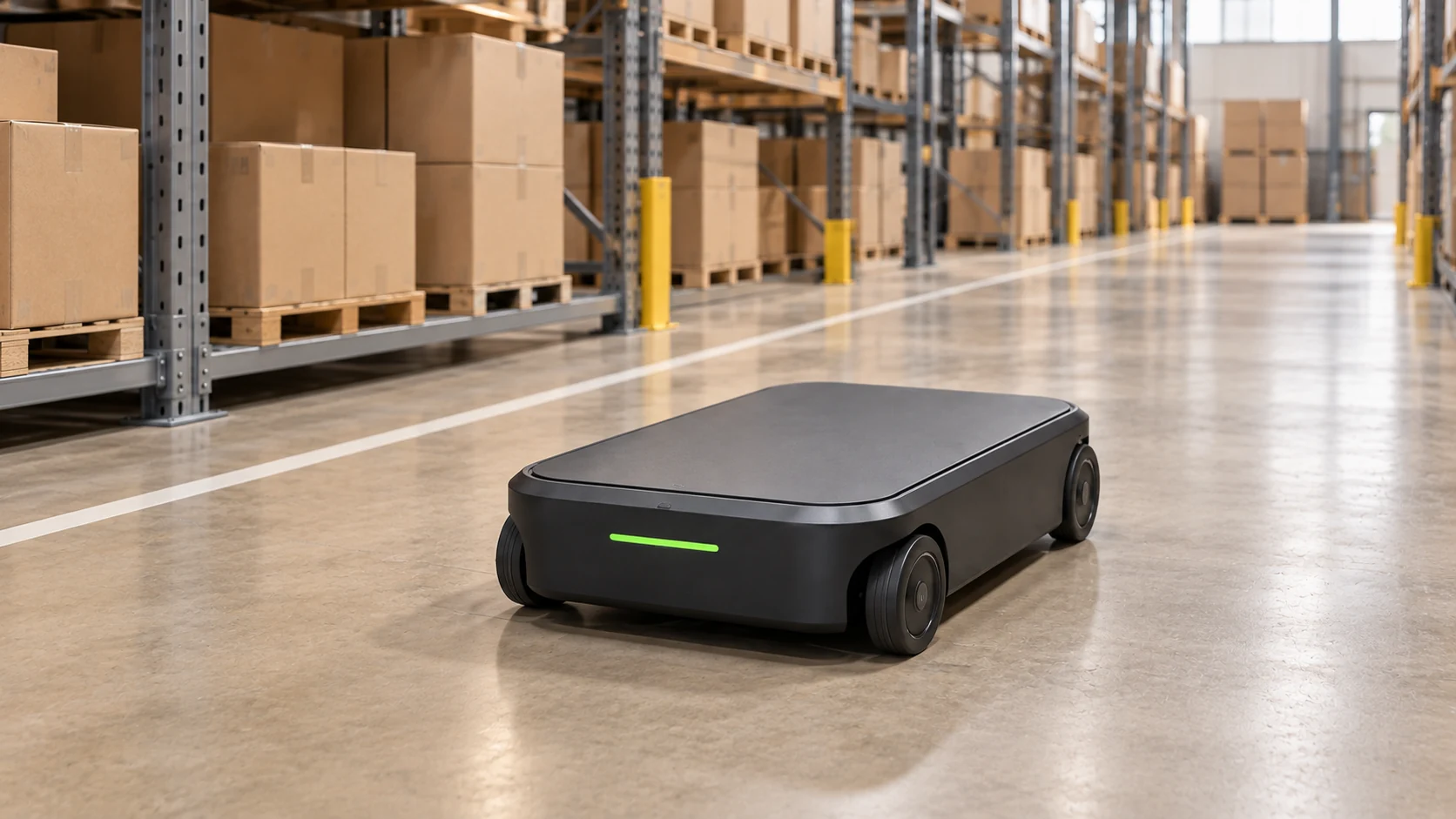
AI-generated scene of a compact charcoal mobile robot with a lime accent in a warehouse aisle
AI-generated scene of a warehouse robotics workflow.

Perception in motion

A workspace. Three sensing tasks.

AI-generated scenes with separately authored, synchronized technical diagrams. These clips explain possible workflows; they are not customer deployments or measured sensor results.

How the ROS frames and initial pose work

A coordinate frame has an origin and three axes. The map frame stays fixed to the workspace. The odom frame is a fixed local reference; odometry describes the robot relative to it. base_link moves and turns with the robot. A sensor frame is attached to the robot through a fixed mount transform.

An initial pose estimates the robot’s starting position and heading in the map; it is not a separate axis. In a real Nav2 localization workflow, the RViz 2D Pose Estimate tool can supply this starting estimate. Here, the numbered controls replay a simulated sequence synchronized to the clip.

References: ROS axis conventions, mobile robot frames and Nav2 initial pose. The diagrams use these conventions without connecting to a ROS system.

01 / Obstacle avoidance

A mobile robot slows and takes a clear path around a pallet. The schematic shows the obstacle buffer and a route that changes around it.

ROS-style local costmap

Fixed frame: map
Fixed map frame
X forwardY leftZ ⊙ up / out of screen
FreeOccupiedUnknown
map → odom → base_link Magenta: obstacle inflation and planned path. Teal: traveled path. Footprint and poses are schematic; geometry is not calibrated.
6 seconds · Silent · ReferenceDownload base footage

02 / Mapping and localization

The robot moves through an intersection and turns into the next aisle. The map reveals reference occupied cells as the traveled route grows.

ROS-style occupancy map

Fixed frame: map
Fixed map frame
X forwardY leftZ ⊙ up / out of screen
FreeOccupiedUnknown
map → odom → base_link Unknown cells reveal as the simulated robot moves. Teal: traveled path. This is an authored map, not a SLAM recording.
6 seconds · Silent · ReferenceDownload base footage

03 / Radar motion tracking

A worker crosses behind the moving robot at a safe distance. Robot-centered indicators show relative motion through the scene.

ROS-style sensor frames

Fixed frame: map
Fixed map frame
X forwardY leftZ ⊙ up / out of screen
FreeOccupiedUnknown
map → odom → base_link → radar_link radar_link uses an reference fixed mount on base_link. Detections and toward/away arrows are schematic; no measured Doppler, range or velocity.
6 seconds · Silent · ReferenceDownload base footage

Start with the physical task

A useful robotics system begins with a specific action and the conditions around it. We define the objects, camera views, workspace constraints and output the robot needs before choosing the perception approach.

From image to action

Depending on the task, visual perception can locate an object, interpret its position in the scene and provide a checked result to the robot or an operator. The handoff matters as much as the model: a robot needs information it can act on, with uncertain cases handled safely.

  • See the scene through the cameras and sensors available in the workspace.
  • Describe the target in the coordinates and terms the task needs.
  • Check the handoff before a physical action is taken.

Related vision work

Our factory surveillance work identifies people, machines and pallets in a camera view. Our conveyor work detects and classifies items in motion. These are examples of the visual understanding that can inform a robotics workflow.

Explore manufacturing vision work

Discuss a robotics task.

Tell us what the robot needs to see, where it will work and what action the output should support.

Book a scoping call Email your project brief